
INSIGHTS / CLINIC OPERATIONS
Patient Follow Up Automation That Keeps Care Moving
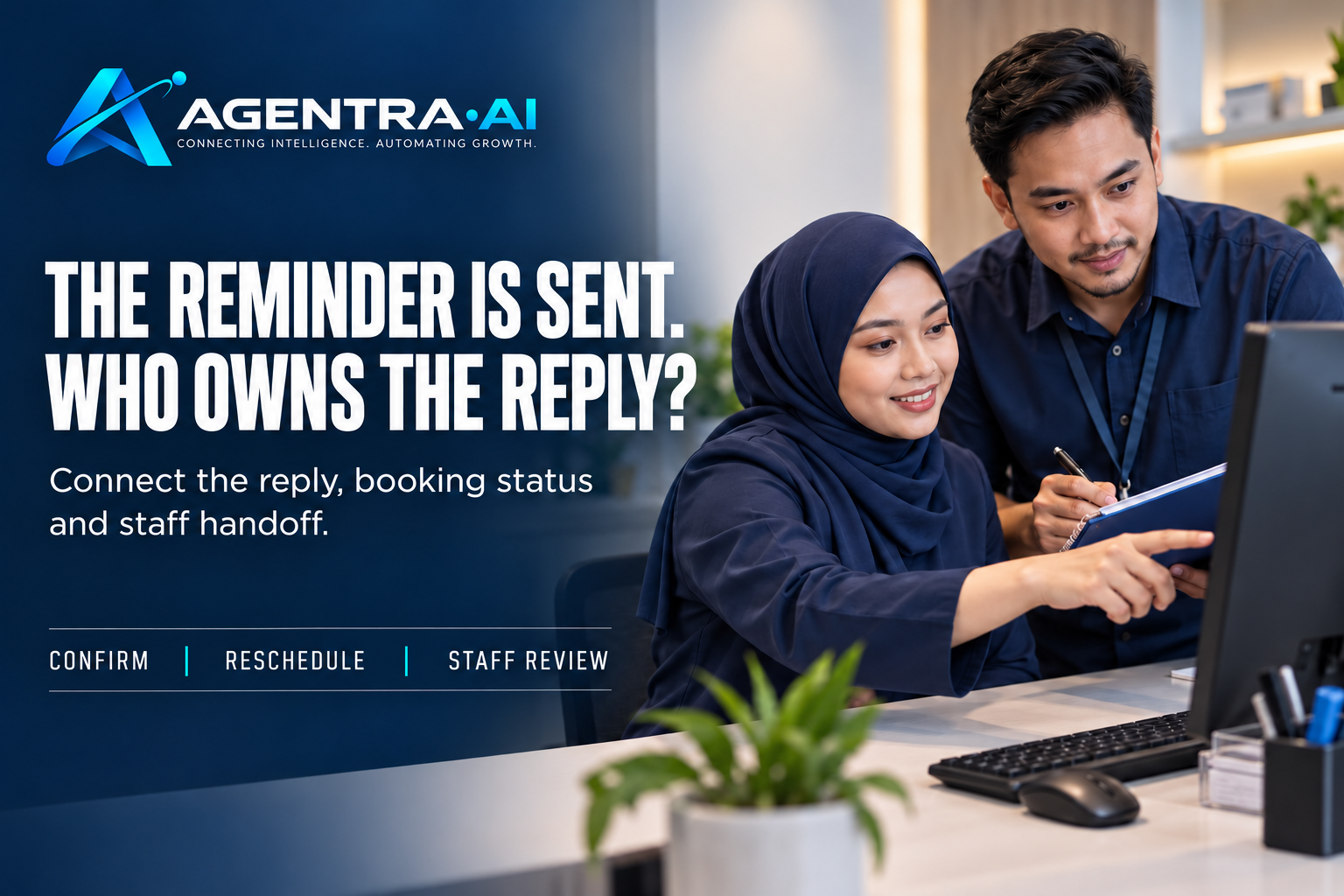
A patient misses a follow-up appointment, does not respond to a medication check-in, or needs to reschedule after a procedure. The issue is rarely that a clinic lacks good people. The issue is that patient follow up automation is still handled through manual call lists, disconnected messages, and handoffs that are easy to miss during a busy day.
For clinic administrators and reception teams, follow-up is not a marketing task. It is operational coordination. The team needs to know what happened in the patient journey, what action is appropriate, whether the patient has replied, and when a staff member needs to take over. Done well, automation gives patients a timely next step while giving the clinic a clear record of what needs attention.
What Patient Follow Up Automation Should Actually Do
Effective follow-up automation does more than send reminders on a schedule. It connects the message to the patient’s current status and to the workflow the clinic has agreed to use.
A useful workflow starts with a defined event. That might be a completed consultation, a missed appointment, an upcoming review, a diagnostic result ready for discussion, or a procedure that requires a check-in. The system checks the relevant booking, patient, or care-coordination information, sends an approved message through WhatsApp, and records the patient’s response.
The next action should depend on that response. If a patient confirms an appointment, the system updates the booking status or informs the right team member. If the patient asks to change a time, it can check available slots and present options within the clinic’s rules. If the patient reports a concern after treatment, the conversation should be routed promptly to an authorized staff member with the relevant context.
That distinction matters. A scheduled message is simple outreach. A connected workflow helps the clinic coordinate care without asking staff to manually chase every routine update.
Start With the Follow-Ups That Create the Most Work
Most clinics should not automate every communication at once. Start where repetitive follow-up creates delays, missed revenue, or unnecessary pressure on the front desk.
Appointment confirmations and reminders are usually a practical first use case. The workflow can send a reminder at an agreed interval, ask the patient to confirm or request a change, and flag unanswered messages for staff review. This reduces the number of outbound calls while making appointment status more visible before the day begins.
Post-visit coordination is another strong candidate. After a consultation, the clinic may need to remind a patient to book a review, complete paperwork, bring prior records, or follow preparation instructions. The message should be based on an approved template and tied to the actual visit or treatment pathway, not a generic sequence sent to every patient.
Missed appointments need a different path. A no-show message can invite the patient to reschedule, but the workflow should also account for the clinic’s policy. Some patients may be offered direct booking options, while others require staff approval, a deposit discussion, or a call from the care team. Automation can identify the missed appointment and begin the next step. It should not override the rules your clinic uses to manage capacity and patient relationships.
Build the Workflow Around Decisions, Not Messages
The strongest patient follow up automation designs begin with operational questions: What does the clinic need to know? What can the assistant do? When must a person decide?
For example, a patient replies, “I’m still in pain after yesterday’s procedure. Is that normal?” A basic chatbot may provide a broad response or simply send a contact number. A workflow-led assistant can identify the patient, check the relevant visit information where appropriate, ask approved triage questions, and alert the assigned team or clinician according to the clinic’s escalation rules.
The assistant does not diagnose, make clinical judgments, or promise a response it cannot deliver. It gathers the required information, communicates the agreed next step, and ensures the responsible team sees the case. This is where automation supports safe operations rather than creating a new unattended inbox.
The same principle applies to rescheduling. A patient may write, “Can I move my appointment to Friday afternoon?” The system should check the calendar, offer only permitted openings, apply the clinic’s booking rules, and confirm the change only when the workflow allows it. If the request involves a provider-specific constraint, an outstanding balance, or a service that requires approval, it should move to staff with the conversation history attached.
Connect the Systems That Hold the Real Answer
Patients expect a clinic to know the status of their appointment when they message. Staff should not need to search multiple screens just to answer a simple question. That is why the value of automation depends on the systems behind the conversation.
At a minimum, the workflow should be able to reference appointment status, provider schedules, service types, and the follow-up stage. Depending on the clinic, it may also need to work with patient history, intake completion status, payment rules, referral information, or internal assignment queues.
Connection does not mean giving an AI assistant unrestricted access to every record. The clinic should define which data fields are needed for each workflow, who can see the information, and which actions require human approval. A reminder workflow may need only appointment time, location, and confirmation status. A post-procedure escalation may need a different set of details and a more restricted handoff process.
Agentra is built around this operational model: the WhatsApp conversation can check connected business systems, carry out defined workflow checks, and coordinate the next action with the team. The clinic remains responsible for the rules, approvals, and clinical boundaries.
Keep Human Control Where It Matters
Automation is most useful when it removes routine coordination, not when it attempts to replace accountability. Clinical advice, urgent symptoms, complaints, consent questions, financial exceptions, and unusual patient circumstances often need staff involvement.
Define these escalation points before launch. The team should know which words, symptoms, response types, or unanswered-message thresholds trigger review. They should also know who owns the handoff, how quickly it must be handled, and what information is included. A vague alert saying “patient needs help” creates another manual chase. A useful handoff includes the patient’s message, relevant appointment or visit context, the actions already taken, and the reason for escalation.
Privacy and communication preferences also need to be part of the design. Use approved message content, obtain and record the required consent for messaging, limit sensitive details in notifications, and follow the privacy requirements that apply to your organization. WhatsApp can be a familiar, responsive channel for patients, but convenience does not reduce the need for clear governance.
Measure Whether the Workflow Is Helping
A follow-up workflow should be reviewed as an operating process, not treated as a set-and-forget campaign. Start with a small group of high-volume, predictable scenarios and establish a baseline before automation begins.
Look at confirmation rates, no-show rates, time to reschedule, response time to patient questions, volume of manual calls, and the number of escalations handled within the clinic’s target timeframe. Also review the conversations that did not follow the expected path. Those exceptions often reveal unclear policies, missing system data, or message wording that patients do not understand.
Success is not measured only by the number of messages sent. A clinic can send more reminders and still create more work if replies are not categorized, booking data is outdated, or staff cannot see who owns the next step. The operational result matters: fewer missed handoffs, faster resolution, clearer team visibility, and patients who know what happens next.
A Practical Way to Launch
Before building the first workflow, document one real patient journey from end to end. Choose a follow-up that happens frequently and has clear rules, such as appointment confirmation or a routine review booking. Map the trigger, required system checks, approved messages, patient response paths, escalation conditions, team owner, and closure criteria.
Then test the workflow with real staff scenarios. Ask what happens when a patient replies outside business hours, sends a voice note, asks an unrelated question, has no matching record, or needs immediate assistance. These are not edge cases in a clinic environment. They are normal operating conditions, and the workflow needs an agreed response for each one.
The goal is not to automate every patient interaction. The goal is to make routine follow-up reliable, visible, and easier for patients to complete. When the message, system check, and staff handoff work as one process, the clinic gains time to focus where human care and judgment matter most.