
INSIGHTS / TELEMATICS OPERATIONS
Telematics Support Automation Teams Control
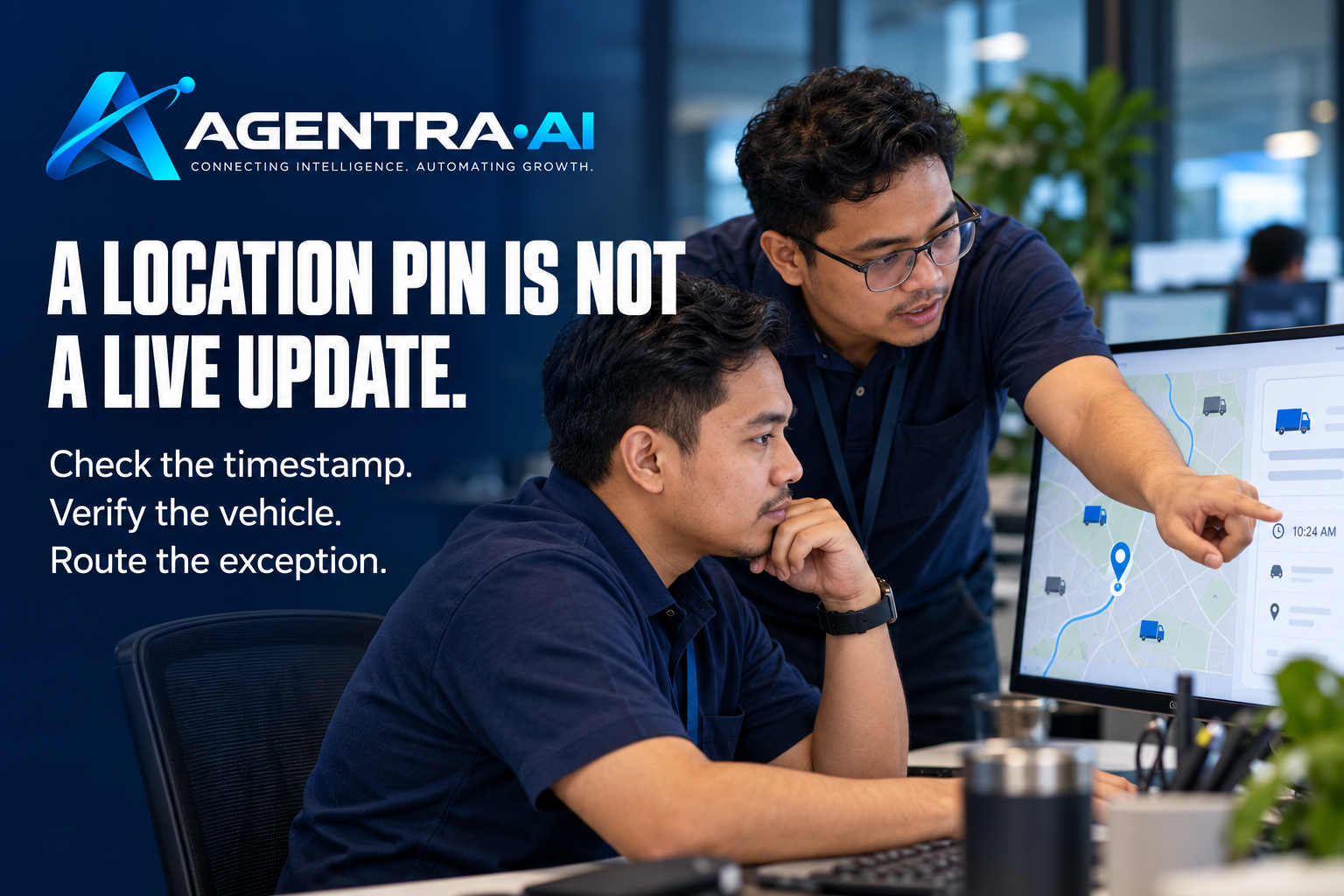
A customer sends a WhatsApp message at 7:12 a.m.: “My vehicle has not moved since last night. Is the tracker working?” The support team could search the tracking platform, check the device’s last communication, review the account history, and decide whether to troubleshoot or create a service request. Or telematics support automation can perform the agreed checks first, return a useful answer, and bring in the right person only when the case needs attention.
That difference matters when support volume grows. GPS and connected-device providers do not just answer product questions. They manage location concerns, offline devices, installation issues, subscriptions, alerts, account access, and service coordination. Each message may look simple to the customer, but resolving it often requires information from several systems and a clear operational decision.
Why telematics support gets delayed
Many telematics teams already use WhatsApp because customers use it. The channel is quick, familiar, and suited to urgent questions. The problem begins when WhatsApp operates separately from the tools the team needs to answer those questions.
A support agent receives a message, asks for a vehicle plate number or device ID, opens the tracking portal, searches for the asset, checks its last update, then switches to a ticketing or CRM system to review recent activity. If the device is offline, they may need to check installation records, warranty status, or a technician schedule. During busy periods, the customer waits while the team repeats the same sequence across dozens of conversations.
Manual work also creates variation. One agent may recognize an expected parked vehicle. Another may escalate the same situation as a device fault. A customer may receive a vague response because the agent lacks context, while another customer gets a detailed answer from someone who knows the account history. The issue is not effort. It is that the workflow lives in people’s heads instead of being consistently applied.
What telematics support automation should do
Useful automation is not a chatbot that tries to answer every question from a generic knowledge base. It is a controlled process that understands the request, checks the relevant operational system, gives the customer an appropriate next step, and records or routes the work when required.
For a vehicle-location inquiry, the assistant can identify the account, confirm the asset, retrieve the latest location and timestamp, and explain whether the vehicle is currently reporting. If the location is stale, it can ask the required diagnostic questions, such as whether the vehicle has been driven recently or whether the customer has noticed a power issue. Based on rules defined by the business, it can create a support case or notify the technical team with the relevant details already attached.
The team remains in control of the decisions that carry risk. An assistant can identify that a device has not reported for 48 hours and prepare a service request. It should not independently promise a replacement device, waive a charge, or close a security-related case unless the organization has specifically approved that workflow.
Start with the highest-volume conversations
The best starting point is not every support scenario. It is the small set of repeated messages that consume significant agent time and follow clear rules.
Common candidates include requests for a vehicle’s current or last known location, questions about an offline tracker, account and subscription checks, installation appointment requests, and status updates on an existing service case. These interactions often require the same lookups and the same customer questions. They are ideal for standardizing first.
A clear workflow might look like this in practice:
- The customer identifies the vehicle, device, or account through WhatsApp.
- The assistant checks the tracking platform and account record.
- It responds with the approved information and any relevant explanation.
- If an exception is found, it gathers the details needed for escalation.
- It creates, updates, or routes the case to the appropriate team.
The value is not simply a faster message. It is fewer incomplete cases, fewer repeated questions, and better handoffs between customer support, technical support, and field teams.
Design rules before automating replies
Automation works well when the business has decided what “good handling” means. Before connecting systems, document the conditions that determine each outcome. For example, when is a missing location normal because the vehicle is parked in a basement? When should an offline device become a callback task? Which customers have priority support? Who can approve a technician visit?
These rules should be specific enough for the assistant and clear enough for a new support agent. They also need an owner. Telematics operations change as devices, service policies, customer tiers, and installation processes change. A workflow that was correct six months ago may no longer reflect current practice.
Customer language requires the same care. A response should state what the system shows without presenting uncertain data as fact. “The latest update from this vehicle was received at 6:43 a.m. near Dallas, Texas” is more useful and more accurate than “Your tracker is working.” If there is no recent update, the response should explain the next action instead of making a diagnosis before the required checks are complete.
Connect data without exposing everything
Support automation depends on access to the right systems, but access should be limited to what each workflow needs. An assistant answering a location question may need the asset name, recent coordinates, last reporting time, device status, and account identity. It does not necessarily need unrestricted access to all customer records, billing notes, or administrative settings.
This is where operational governance matters. Set rules for identity verification, particularly when customers request live location information. Define which fields can appear in WhatsApp messages, how long conversation data is retained, and which cases must move to a human team member. For fleets, location data can be sensitive. Convenience should never override customer authorization or internal policy.
A connected assistant should also leave a usable record. When a case reaches an agent, they should see what the customer asked, what systems were checked, what result was found, what questions were answered, and why the case was escalated. That context prevents the frustrating handoff where customers are asked to start over.
Measure the operational result, not just chat volume
A high number of automated conversations does not prove the process is working. Some conversations should be escalated. Others may reveal that a workflow is confusing or that a system integration is returning incomplete information.
Start with service measures that reflect real operations: first-response time, time to resolution, percentage of cases resolved without agent handling, repeat-contact rate, escalation quality, and the number of incomplete service requests. For field-related cases, track whether technicians arrive with enough information to complete work on the first visit.
Review a sample of conversations each week. Look for requests the assistant could not classify, answers that were technically correct but unclear, and cases that reached the wrong team. These are workflow improvements, not just AI tuning tasks. A recurring question about why a vehicle appears offline, for example, may point to a needed customer explanation, a product issue, or an installation pattern that deserves attention.
Where human support still matters
Automation should reduce routine coordination, not force customers through a rigid script. Human involvement is essential when the facts are unclear, a customer is distressed, a safety or theft concern is raised, a commercial exception is requested, or a technical diagnosis requires judgment.
It also depends on the customer relationship. A small fleet reporting one offline device may need a standard diagnostic flow. A logistics customer reporting that an entire fleet has stopped updating may need immediate, human-led incident handling. The automation should recognize the difference through agreed rules, customer priority, and escalation paths.
Agentra AI approaches this work as an operational workflow, not an isolated chat feature. The assistant can use WhatsApp to check connected systems, respond with approved information, and coordinate the next action while the business defines the rules and retains approval over consequential decisions.
The practical next step is to take one recurring telematics inquiry and map it from first customer message to final outcome. Identify every system check, every decision, every handoff, and every point where the customer currently waits. That map will show where automation can remove administrative friction while keeping your team responsible for the moments that need their judgment.